> ## Documentation Index
> Fetch the complete documentation index at: https://docs.sherloqdata.io/llms.txt
> Use this file to discover all available pages before exploring further.
# Version Control
In the query profile, you can edit the query. Once you save the changes, the header will display **who updated the version and when.**
By clicking on the arrow next to the version name, a dropdown will open, showing all versions, allowing you to select and view previous changes to the query.
To **edit** a version name, click on the version name, and it will enter edit mode.
Versions are ordered by the time they were updated, in a queue order, with the newest version appearing at the top of the list.
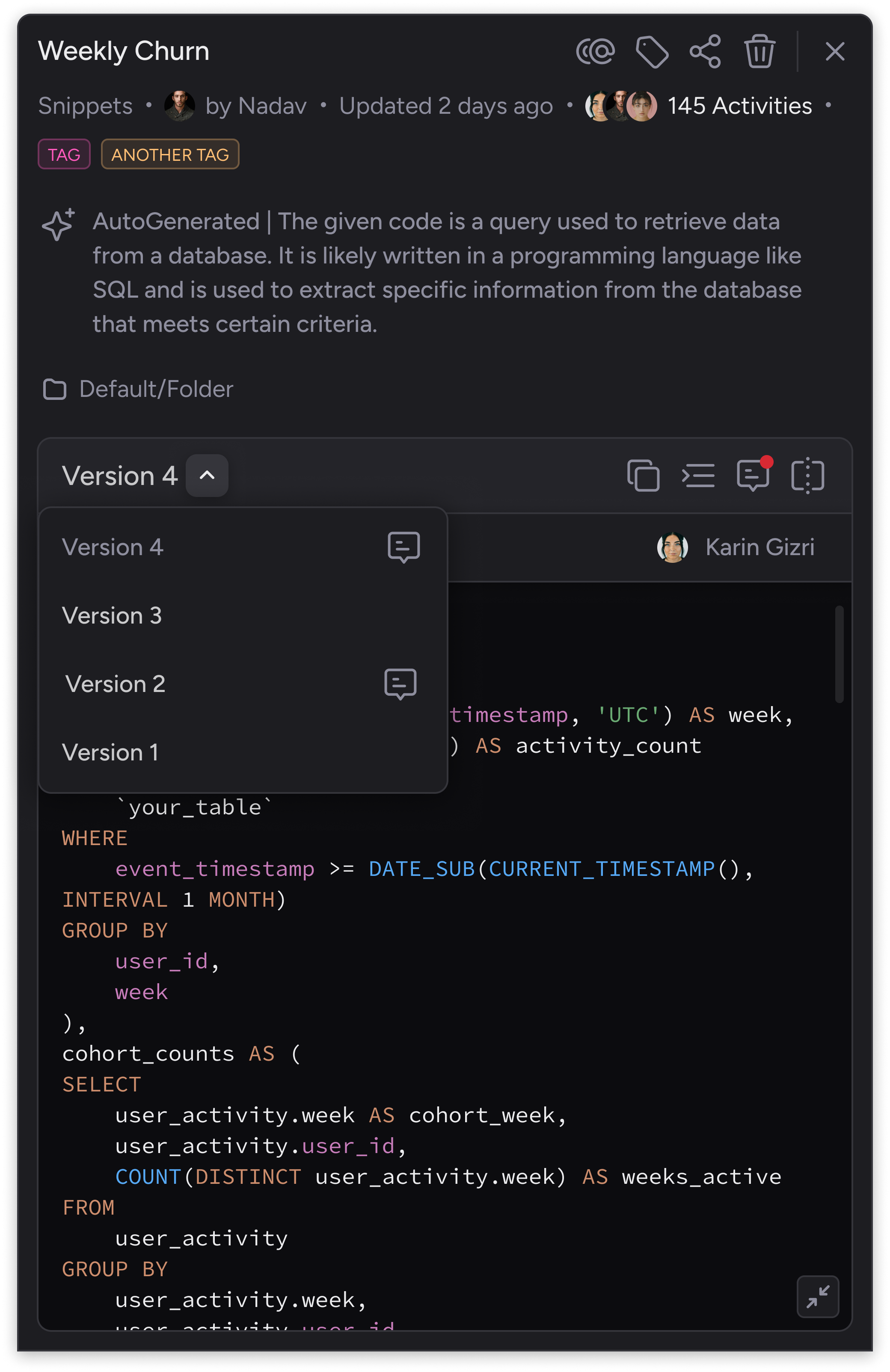 This version control allowing you to manage all versions, including adding collaborative notes, viewing and comparing differences between versions, and selecting the version you want to work with.